Point of Sale
Restaurant point of sale for fast, connected service
Touch-optimized order entry with PIN login, floor maps, coursing, split checks and tips — in the browser or on our native Android terminal app, with a scoped Beta offline-cash workflow.
The POS is where every service starts. Novaryq gives your team touch-optimized order entry with floor maps, coursing and split checks. On a supported, prepared terminal with the offline-cash workflow enabled, cash order entry can continue during a connectivity interruption. Card payments require connectivity.
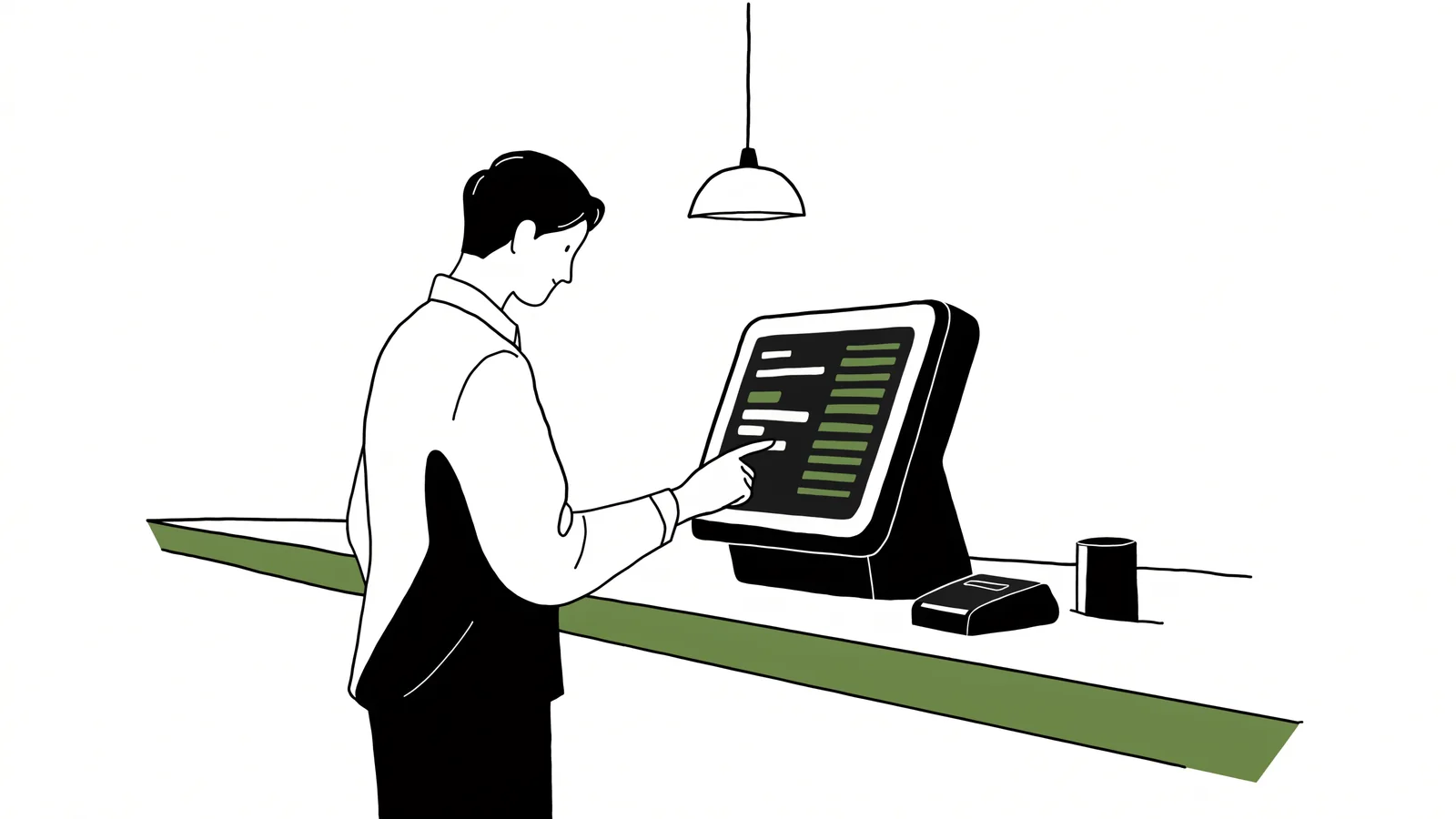
Built for service speed
Quick-tap menus, modifiers, coursing and split checks tuned for a busy floor.
Offline cash (Beta)
On a supported, prepared terminal with the offline-cash workflow enabled, cash order entry can continue during a connectivity interruption. Card payments require connectivity.
Floor maps & coursing
Seat guests, fire courses on pace and move checks between tables without friction.
PIN login & roles
Fast staff switching with role-based permissions on every sensitive action.
Browser or native Android — same engine
Run Novaryq on hospitality-grade touchscreens in the browser, or on our native Android terminal app with kiosk lockdown and over-the-air updates. Every surface shares one menu, one order queue and one reporting engine, so nothing lives in a silo.
Every order lands in the kitchen instantly
Tickets route straight to the kitchen display by station, with age timers and tap-to-bump. Online, QR and kiosk orders flow into the same queue as counter orders — one prioritized flow for the whole line.
A ticket, end to end
What actually happens between the tap and the pass
Most POS pages describe screens. This is the path a single order takes through the system, because that path is what breaks on a busy Friday.
Rung in
Item, modifiers and seat land on the check. Course and seat stay attached, so the kitchen and the server see the same structure.
Routed
Each line goes to the station that makes it — grill, fry, cold, bar — with its own age timer, rather than one shared ticket printer everyone crowds around.
Fired by course
Appetisers fire now, mains fire on the server’s call. A table of eight stops arriving in the wrong order.
Split or moved
Checks split by seat, item or amount, and a check moves to another table without re-ringing anything.
Tendered
Cash, card, gift card or a split across them. Cash is bound to the open drawer session that took it, so the count at close is a fact and not a reconstruction.
Settled and counted
The sale hits reporting, inventory depletes against the recipe, and the shift’s cash and tips land in the close.
When the internet goes
Offline is a first-class mode, not an error screen
Offline cash is a Beta workflow. On a supported, prepared terminal with the offline-cash workflow enabled, cash order entry can continue during a connectivity interruption. Card payments require connectivity.
- The enabled native Android workflow attaches an idempotency key to queued mutations as a duplicate-replay control; reconnect outcomes and conflicts still require review.
- Within the enabled Beta workflow on a supported, prepared terminal, cash order entry can continue during a connectivity interruption. Card payments require connectivity.
- Replay is attempted in device order and gaps are surfaced; replay conflicts or cash variances may require manager review.
Claims on this page, and how to check them
Novaryq has no published customer list, so this page offers no customer quotes. What it can offer is the basis for each claim.
- The scoped offline-cash boundary is testable
- On a supported, prepared terminal with the Beta workflow enabled, test cash order entry during a simulated connectivity interruption, then review reconnect outcomes and any flagged conflict or variance. Card payments require connectivity.
- Cash counts are attributable
- Every captured cash payment is bound to an open drawer session inside the same transaction that captures it. A close that happens mid-payment cannot miss the cash, because there is no window where the payment exists un-attributed.
- Integrations are labelled by proof
- The public capability registry at /v1/capabilities carries an explicit proof level per integration — catalog, simulator, partner-approved, certified, or observed in production. A capability that is not certified is not presented as one.
See the POS in action
Book a 20-minute demo and run a mock service on Novaryq.